AI Coding Assistants Compared: Claude vs Goose for Software Development

AI coding assistants are reshaping how development teams ship software. At SBLOCK, we put two platforms to the test — Claude by Anthropic and Goose by Block — and discovered the biggest difference wasn’t technical at all.

What We Tested

Our team evaluated both AI coding assistants across three dimensions that matter most in day-to-day software development: context awareness, session management, and task execution behavior. We wanted to understand which tool actually fits into a real developer workflow — not just which one generates code faster.

Claude
  • âś“ Deep context awareness — sees into databases, tracks across sessions and channels (Telegram, web)
  • âś“ Predictable execution — solves the problems you actually ask it to solve
  • âś“ Strong tool integration — seamless connection to existing development workflows
  • âś“ Cross-session memory — maintains context between conversations and platforms

Open ecosystem — community feedback, plugins, and documentation created a compound growth effect.

Goose
  • âś— Scope limitations — difficulty seeing across sessions and channels
  • âś— Runs ahead — sometimes tries to solve problems you didn’t ask about
  • âś— Uncertain architecture — unclear if limitations are platform-inherent or implementation-specific
  • âś— Isolated context — each session starts relatively fresh

Stayed internal at Block — no community, no ecosystem, no compound effect despite strong underlying tech.

Key Insight: The real difference between these AI developer tools wasn’t purely technical — it was visibility and ecosystem. Goose was kept internal. Claude went open. The compound effect of community feedback, plugins, and documentation made the difference.
The Real Issue: Marketing, Not Architecture

When Block developed Goose, they kept it internal. It served their own software development lifecycle beautifully, but the developer community never saw it. No third-party plugins. No blog posts explaining why it works. No open source ecosystem.

Anthropic took a different approach with Claude. Open access led to more developers, more feedback, better documentation, and wider adoption. The compound effect is real:

  • More developers → more feedback → better documentation → more developers
  • Open ecosystem → plugins & integrations → wider adoption → more contributors

Goose never got that runway. A capable AI coding assistant that nobody heard about.

The “Ask First” vs. “Just Do It” Tradeoff

Some AI assistants run ahead and solve problems proactively. Others wait for explicit instructions. But here’s the thing — this is actually learnable behavior. A well-designed AI coding assistant can adapt to your development preferences:

  • “I’m debugging, don’t interrupt me with suggestions”
  • “I’m brainstorming, throw ideas at me”
  • “Just execute what I asked, don’t expand scope”
  • “Surface context I might have missed”

The best AI developer tools adapt to your workflow rather than forcing you to adapt to theirs.

What to Look For in an AI Coding Assistant

When choosing an AI assistant for software development, these are the dimensions that actually matter:

  1. Context awareness — Can it understand your codebase, project structure, and team conventions?
  2. Tool integration — Does it connect to Git, project management, CI/CD pipelines, and communication tools?
  3. Security & privacy — Where does your code and data go? Self-hosted and on-device options offer more control.
  4. Community & ecosystem — An active open source community means better documentation, more integrations, and faster issue resolution.
  5. Adaptability — Does it learn your preferences over time, or force you to conform to its defaults?

Need Help Choosing the Right AI Developer Tools?

SBLOCK advises on AI tool selection, workflow integration, and automation strategy for software teams.

Get in Touch

Your AI Is Running Right Now. Can You Reach It?

Let’s be honest: the way most people use AI right now is kind of embarrassing. You sit down at your desk, open a chat window, ask a question, get an answer, close the tab. Come back tomorrow. Start over. That’s not an AI strategy. That’s a more expensive Google search.

The developers and founders doing genuinely wild things in 2026 aren’t using AI like a search engine. They’re running AI agents that persist — agents that remember, that work while they’re away from the desk, that are waiting mid-thought when they come back.

And here’s where it gets interesting: there are now two tools that let you control your AI from anywhere in the world. From your phone. On the go. At your workstation. Using completely different approaches — and which one you choose says a lot about who you are as a builder.

STOP TREATING YOUR AI LIKE IT ONLY EXISTS AT YOUR DESK

You’ve got an AI tool. Maybe you use Claude in a browser, Claude Desktop, or even Claude Code running in your terminal, writing actual production code. But the moment you close the laptop? Gone. Context gone. Session gone. You’ll spend ten minutes tomorrow re-explaining what you were building.

That’s not a limitation of the AI. That’s a limitation of how we’ve been thinking about it.

Now your AI agent doesn’t have to die when you walk away. Today, there are tools keeping your agent alive, in context, and reachable from wherever you are. You don’t have to be at your desk to stay in the loop.

The Catch: This does not require a choice.
TWO TOOLS. ONE GOAL. COMPLETELY DIFFERENT PHILOSOPHIES.

OpenClaw: The Sovereign Stack

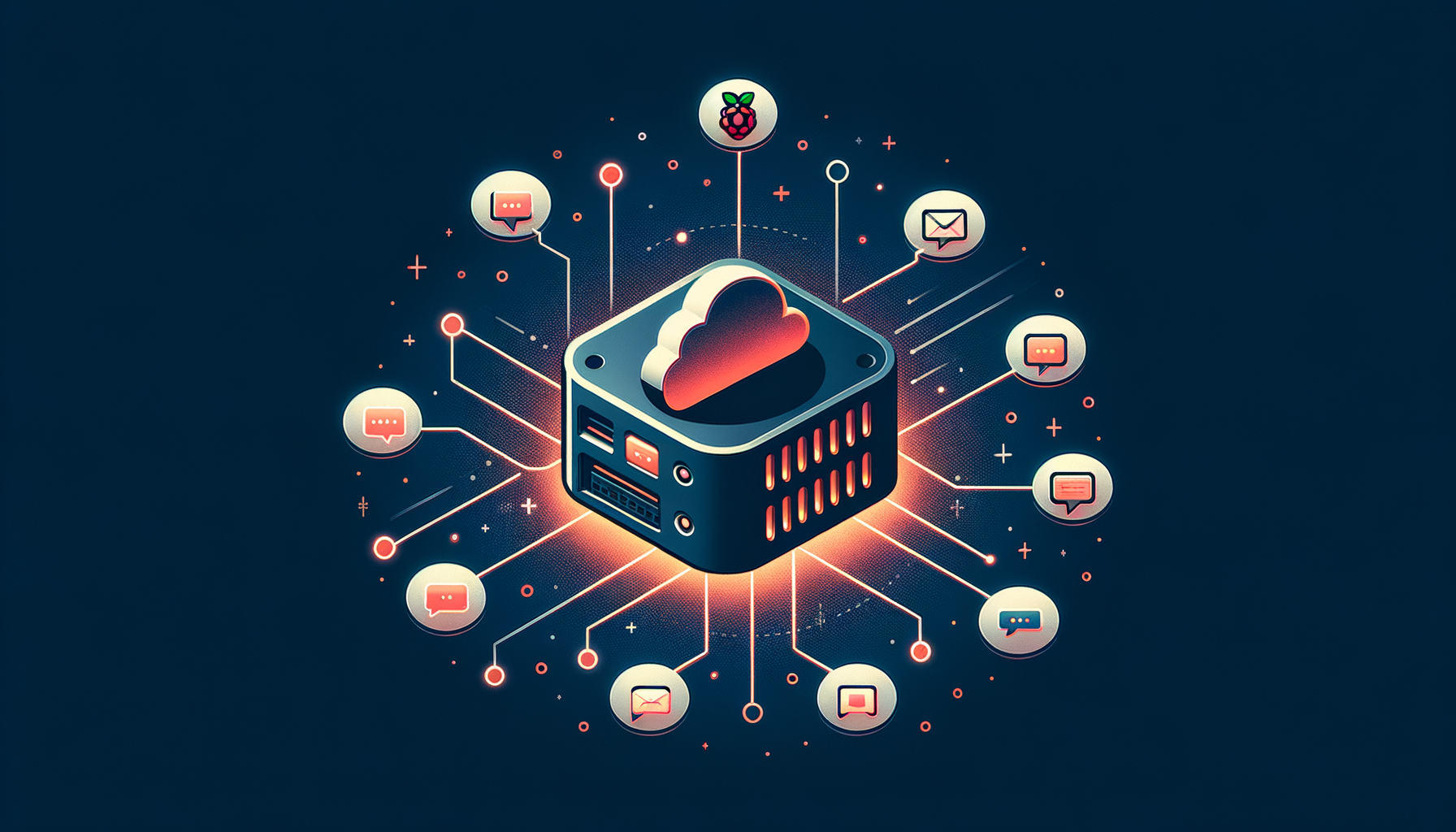
OpenClaw self-hosted AI gateway connecting to messaging platforms

In November 2025, an Austrian developer named Peter Steinberger built a side project he called Clawdbot — a local AI assistant that connected Claude to messaging apps so he could use it from his phone. He open-sourced it, mostly for fun.

Then Anthropic’s legal team sent a letter about the name. He renamed it Moltbot on January 27, 2026. Three days later he renamed it again; in his words: “Moltbot never quite rolled off the tongue.” He landed on OpenClaw.

What happened next is one of those moments that makes you realize the world has genuinely changed.

By the numbers: OpenClaw hit 9,000 GitHub stars in its first 24 hours. By February it crossed 214,000 — faster growth than Docker, Kubernetes, or React ever saw. By March 2, 2026: 247,000 stars, 47,700 forks, an estimated 300,000–400,000 active users. Steinberger has since joined OpenAI and handed the project to an open-source foundation. MIT licensed, community-driven, moving fast.

OpenClaw is a self-hosted gateway that connects AI models — Claude, GPT-4, local models via Ollama, 25+ providers total — to over 30 messaging platforms. WhatsApp. Telegram. Discord. Slack. iMessage. Signal. You run it on your own hardware: a Raspberry Pi, a home server, a cheap cloud VM. The data never leaves your infrastructure.

The catch: Terminal comfort is non-negotiable. If you’re not technical, this is not a weekend project — it’s closer to a part-time infrastructure commitment. But if you are technical, and if data sovereignty matters to your business? OpenClaw is the kind of tool that makes you say: wait, we can just… do that?

Claude Code Remote Control: The Seamless Handoff

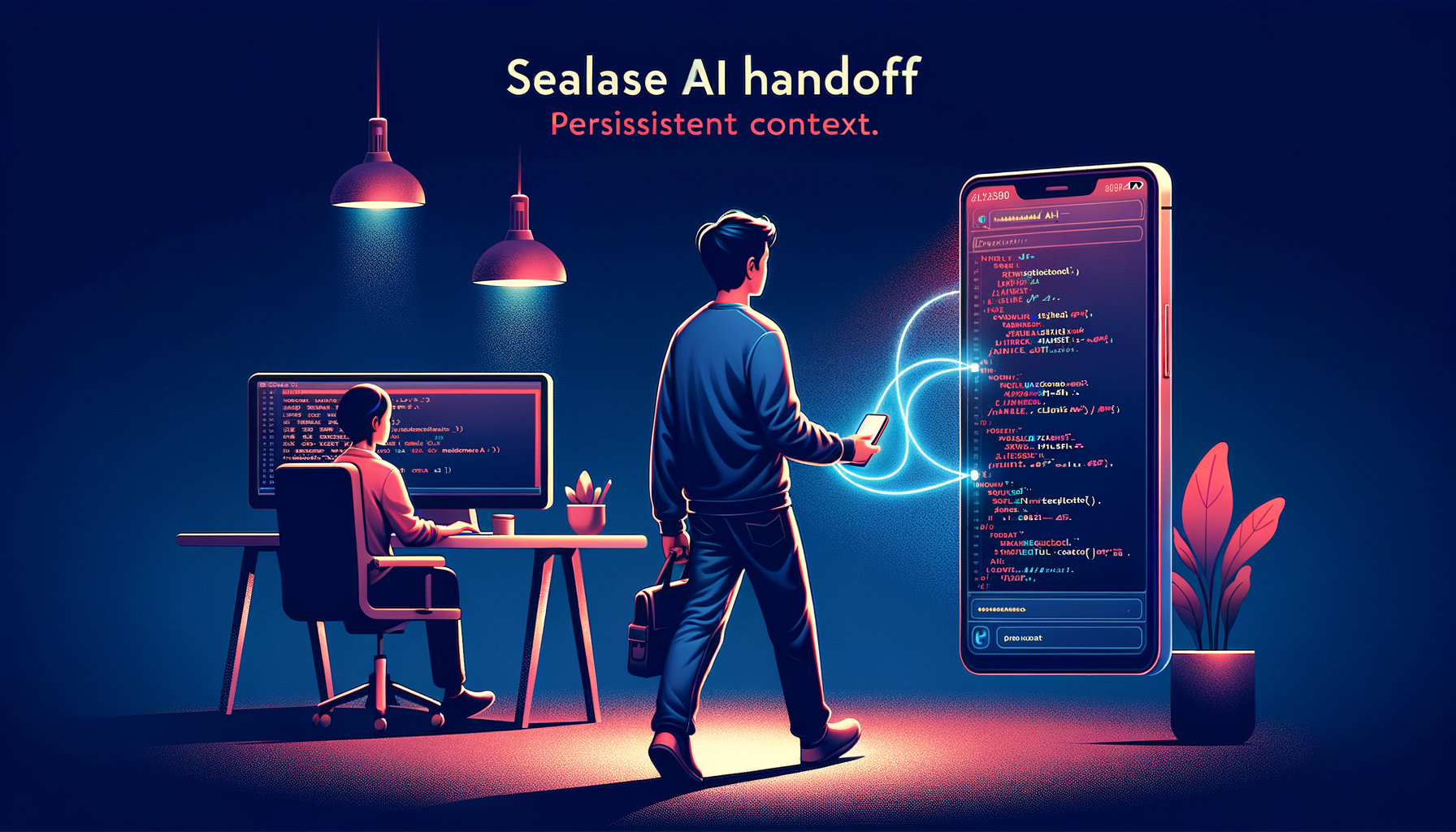
Developer accessing Claude Code session remotely from their phone

On February 24, 2026, Anthropic quietly shipped an update to Claude Pro and Max subscribers. Quietly — until developers started talking.

Claude Code, the AI coding agent that lives in your terminal, can now be accessed remotely. From your phone. From a browser. From a tablet. From anywhere with a connection.

Here’s what makes it different from everything that came before: your files never leave your machine. The cloud doesn’t touch your codebase or your MCP servers. It only routes messages between your devices and your local session. The AI, the context, the memory — all of it stays on your hardware exactly where it was. You’re just reaching it from somewhere else.

Picture this: You’re a founder. You’ve spent the morning building a new API integration with Claude Code — deep in the weeds, full context established, good momentum going. Client lunch at noon. On the way there, you remember a question about the architecture. You pull out your phone, connect to your running session, and ask. Claude knows exactly where you left off. You get a clear answer before the food arrives. Back at your machine two hours later? Zero friction. Zero lost context. Right where you left it.

It works with SSH and tmux if you’re already on that workflow. VS Code Remote integration is included. And if you already have Claude Code, the setup is essentially zero — the feature is just there.

The catch: One remote connection per instance at a time. Ten-minute timeout if the connection goes quiet. Your machine has to stay on and the terminal has to stay open. It’s currently a research preview, so expect rough edges. But as a first version of “your AI in your pocket”? It executes cleanly.

SO WHAT’S THE REAL DIFFERENCE?

Both tools solve the same fundamental problem: your AI agent shouldn’t disappear when you step away. But they’re answering different questions.

  • OpenClaw asks: What if you owned the whole stack?
  • Claude Code Remote asks: What if the handoff was invisible?
OpenClaw Claude Code Remote
Setup Moderate–High (requires terminal comfort) Zero (if you already have Claude Code)
Data control Full — your hardware, your rules Your code stays local; Anthropic routes messages
Access method WhatsApp, Telegram, Slack, 30+ channels Browser, phone app, any device
Model flexibility 25+ providers (Claude, GPT, Gemini, local) Claude only
Cost Free (open source) + AI provider costs Claude Pro/Max subscription required
Ideal for Technical founders, dev teams, data-sensitive ops Claude Code users who want anywhere access
WHAT THIS ACTUALLY MEANS FOR 2026

Here’s what both of these tools prove, and why they matter beyond the technical details.

The era of the stationary AI agent is over.

For the past two years, AI was a desktop activity. You sat down, you worked, you closed the lid. The context died. The momentum died with it. That changed in 2026. Your agent can follow you now. The session survives. The work continues. That’s not a roadmap item — that’s just another Tuesday.

The businesses and developers who figure out how to operate with persistent AI — not just available AI — are going to compound their advantage in a way that’s very hard to catch up to.

SO WHAT’S THE MOVE?

If you’re reading this thinking “I’m not even using Claude Code yet, let alone remote control” — that’s not a problem. That’s information.

The mistake most businesses make right now is trying to adopt every new tool as it drops. That’s how you end up with a pile of subscriptions, a confused team, and no measurable improvement.

The smarter approach:

  1. Understand where your actual AI gaps are
  2. Match tools to those specific gaps
  3. Implement one thing properly
  4. Measure it
  5. Expand from there

That’s exactly what the AI Vitals Assessment is built for. It’s a focused conversation — not a sales pitch — designed to map out where you actually are, what’s slowing you down, and which capabilities would move the needle for your specific business.

Because the future of AI isn’t just more powerful. It’s more portable. More persistent. More yours.

The question is whether you’re set up to capitalize on it.

Book Your AI Vitals Assessment

Find out where persistent AI fits in your workflow — and which tools actually move the needle.

Get in Touch